How to Enhance Apple Podcasts Episodes With Chapters and Transcripts

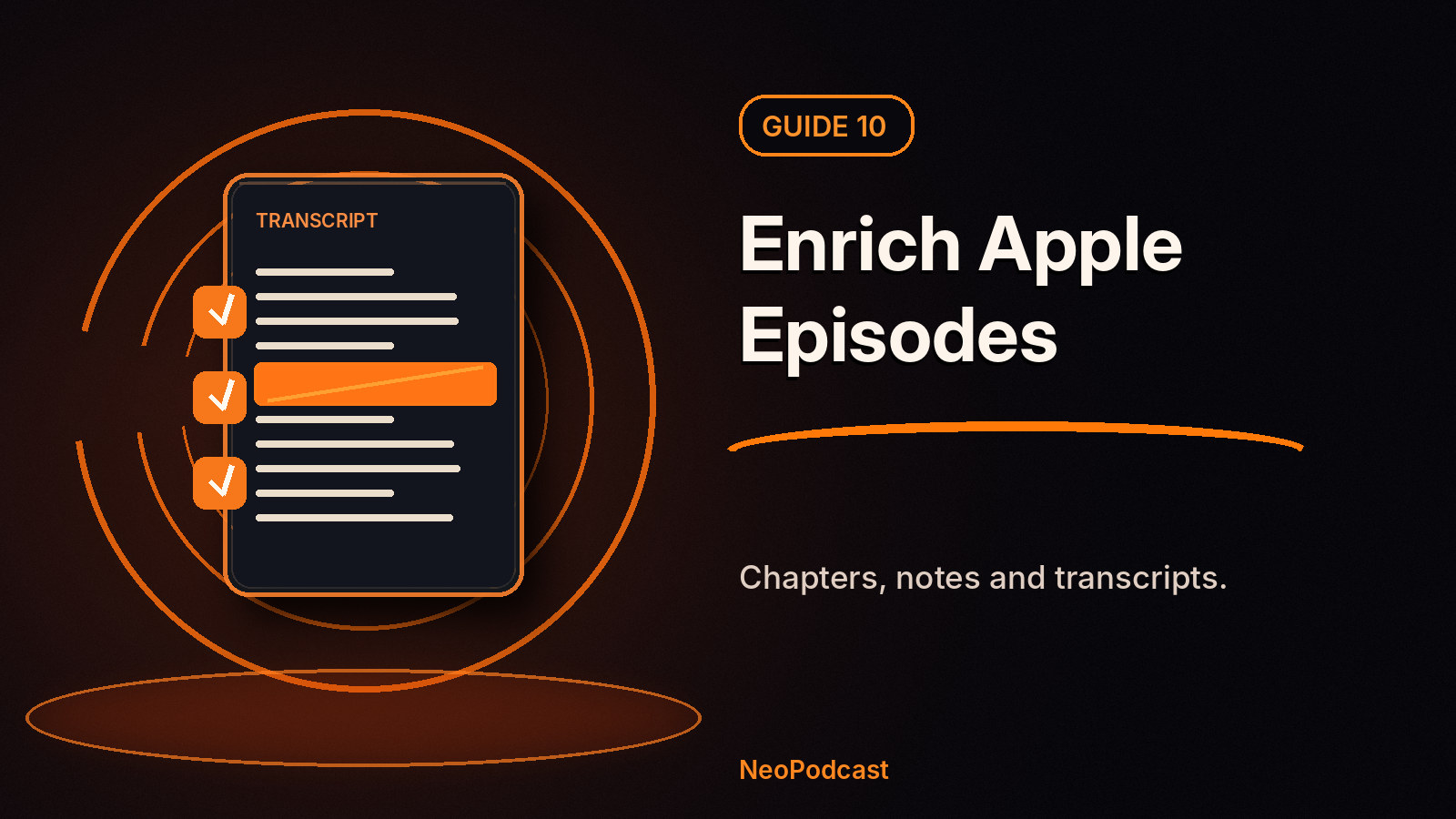
Getting listed on Apple Podcasts is the beginning, not the end. A well-prepared episode can do more than play a continuous audio file: listeners can jump to chapters, follow a transcript, read show notes and recognize an episode from its artwork.
Apple has expanded these experiences over time, including automatically generated transcripts and chapters for eligible podcasts. However, creators can still add their own structure, and that often matters when a show contains specialist terminology, interviews or carefully organized teaching segments.
Four ways to make an Apple Podcasts episode more useful
1. Add accurate chapters
Chapters turn a long episode into sections a listener can revisit. For a 35-minute interview, think in meaningful topics rather than arbitrary five-minute blocks. Example:
00:00— Why this matters06:20— The main problem15:10— What we tried27:40— Practical takeaways
Apple says creator-supplied chapters can arrive through timestamps in episode descriptions, RSS using <podcast:chapters>, or certain audio-file metadata. Apple also recommends at least three chapters, typically on episodes longer than ten minutes. Don't add timestamps that haven't been checked against the published audio.
NeoPodcast can suggest and publish chapter information in your feed. Review chapter names and positions before the episode goes live, especially after cutting audio by transcript.
2. Provide a reviewed transcript
Apple Podcasts can generate transcripts automatically for supported content. It also accepts creator-supplied transcripts via the RSS transcript tag when the hosting workflow supports the correct files and settings.
In NeoPodcast, transcription starts on the device. Optional LLM text cleanup can help make it readable. A public transcript on your NeoPodcast episode web page is valuable regardless of what Apple chooses to display in its own app.
Technical distinction: publishing a transcript on a web page does not automatically mean Apple has imported it as a timed transcript. For Apple to use your supplied version, the feed must expose a supported transcript file and Apple Podcasts Connect must be configured appropriately. If that integration isn't present in your installed version, Apple can use its own automatic transcript.
3. Improve show notes and episode artwork
Write a clear introduction explaining why a listener should care, add links to referenced material and credit guests. Avoid copying the entire transcript into the episode description. Give every episode a descriptive title and use relevant artwork when supported by your RSS workflow.
Apple supports optional episode-specific art. Whether it appears depends on the metadata and media your host provides. NeoPodcast offers cover creation for your show; confirm episode-art delivery separately before promising custom artwork on Apple's player.
4. Understand timed links
Apple also supports timed links to relevant content in its ecosystem, placed through eligible episode descriptions or structured chapter data. These can appear when a topic is discussed. It's an Apple Podcasts feature, but don't assume every podcast publisher automatically emits timed links. Use Apple's current creator documentation if your feed or hosting setup supports them.
Build a better episode in NeoPodcast
- Record or import the audio and check its quality.
- Generate and review the transcript.
- Use optional AI text cleanup if appropriate and consented to.
- Add or check suggested chapters against the edited final audio.
- Write a succinct episode summary and add genuine resource links.
- Publish the episode with NeoPodcast, then check the listing in Apple Podcasts once its feed has refreshed.
This workflow improves the listener's experience without requiring a complex studio or hours of manual podcast administration.
FAQ
Does Apple Podcasts create chapters automatically?
For eligible shows, Apple creates chapters when you don't provide them. Creator-supplied chapters can take precedence; specific support varies by show language and episode details.
Can I update chapters after publication?
Apple says provided chapters can be updated on already-published episodes. Allow time for Apple to refresh the RSS feed.
Will my NeoPodcast transcript automatically appear inside Apple Podcasts?
Not necessarily as a creator-supplied transcript. Apple's player may show its own transcript; supplying yours requires compatible RSS transcript delivery and the relevant Apple settings.
Give listeners more than a Play button
Download NeoPodcast to record, transcribe, prepare chapters and publish a show that can be submitted to Apple Podcasts.
Related: Submit your show to Apple Podcasts · Improve podcast transcripts with AI
New here? Start your first podcast for the complete phone-first workflow.
Sources
- Apple Podcasts — Chapters on Apple Podcasts
- Apple Podcasts — Transcripts on Apple Podcasts
- Apple Podcasts — Enhance episodes with chapters, links and more
- Apple Podcasts — Timed links