How to Edit a Podcast by Editing Its Transcript

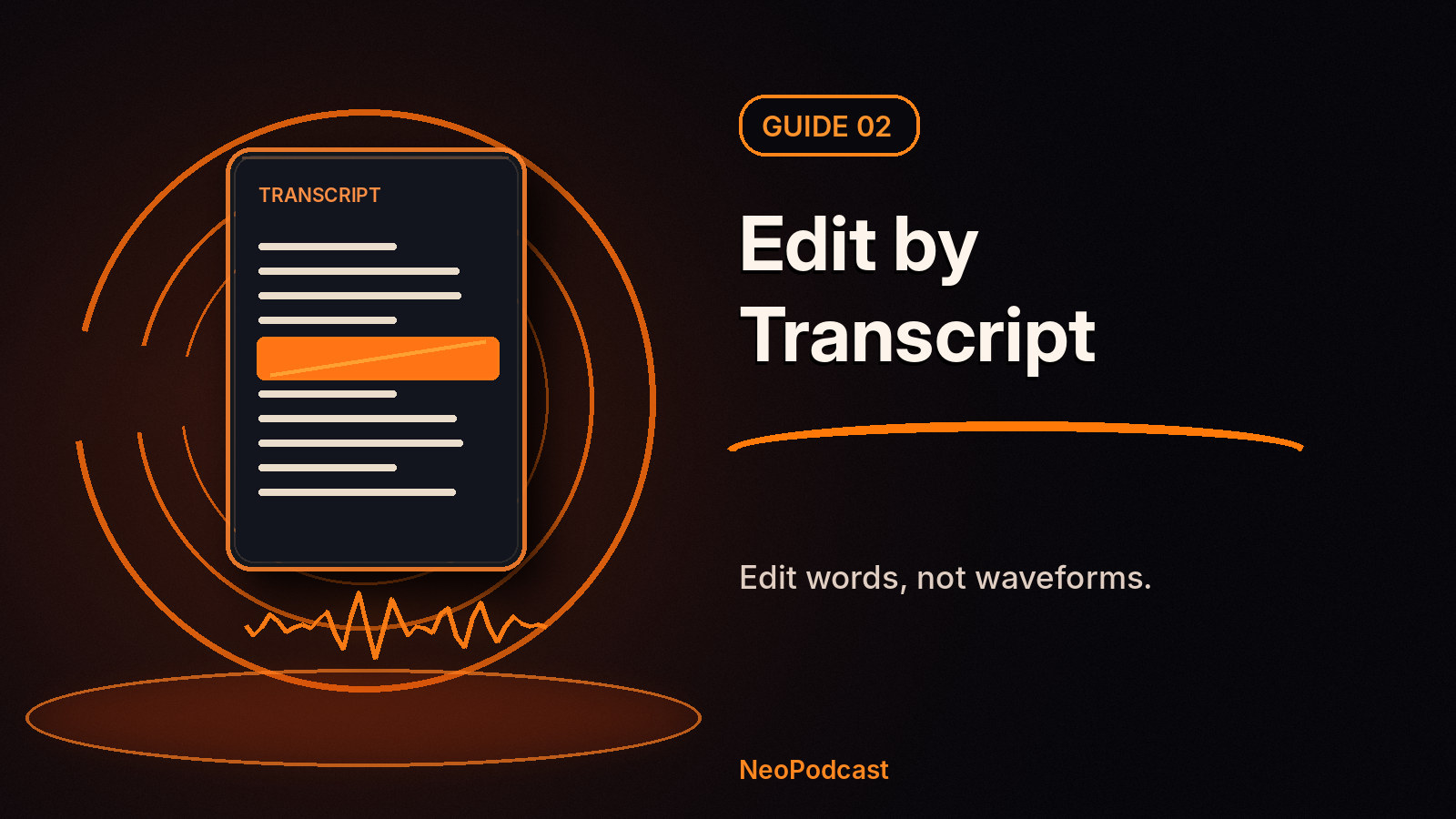
Traditional audio editing starts with a waveform. Transcript-based editing starts with your words. For a solo podcast, interview or educational episode, the second approach is often more intuitive: read what you said, select the sentence that needs to go, and let the editor remove the matching audio.
This is different from merely correcting typos in a transcript. A corrected caption changes the text; a transcript-driven cut changes the playback of the episode.
What is transcript-based podcast editing?
A speech-recognition system first connects spoken words to time positions in the recording. When you select a passage in the editor, it can locate that passage in the audio and remove it without asking you to scrub through a long waveform. The original recording can remain intact while the published edit uses the chosen cuts.
In NeoPodcast, you can select words in the transcript and cut the corresponding section. The app preserves the original recording, so you can make editorial decisions without destructively rewriting your source audio.
How to edit an episode in NeoPodcast
- Record or import the audio. A phone recording or an existing voice memo works.
- Generate the on-device transcript. Select the correct spoken language and read along with a short section to judge accuracy.
- Review the opening. Remove the long setup, false start or repeated greeting that delays your key point.
- Select a sentence or passage. Use the transcript editor to cut the matching audio.
- Listen across the edit. A cut may be grammatically clean but acoustically abrupt. Check that the remaining thought flows naturally.
- Repeat only for meaningful distractions. Don't cut every breath or pause.
- Review the final transcript and notes, then publish when the audio tells the story you intended.
Here's a fictional example:
“Today we're talking about electric cars. Actually, before that, I should explain why I changed my original plan. Um, where was I? Let's start with charging costs.”
A transcript-first editor makes it easy to identify the detour. But the listening check is still essential: editing written words cannot tell you whether the vocal rhythm sounds natural.
What should you remove first?
Prioritize content that costs the listener time without adding value: repeated explanations, accidental personal information, long searching pauses, unrelated tangents and a second take of the same answer. Resist the temptation to remove every “um.” A few hesitations sound human; aggressive editing often sounds unnatural.
For interviews, avoid cuts that distort the guest's meaning or make separate responses appear connected when they weren't. When the topic is sensitive or technical, let the edited audio play in full before publishing.
Transcript cleanup is not audio editing
These two features work together, but they solve different problems:
| Task | What changes? |
|---|---|
| Correct a misheard name | The readable transcript |
| Ask AI to clean punctuation | The text, subject to review |
| Cut a selected sentence | The episode's playback |
| Apply noise reduction | The sound quality, not the words |
In NeoPodcast, transcription happens on the device. Optional AI text cleanup is a separate action requiring your consent; according to the app's published notes, text is sent for cleanup, not the audio. Keep this distinction clear when handling confidential recordings.
Do you still need a traditional audio editor?
Maybe—for a complex multitrack documentary, intricate music mixing or surgical repair. But if most of your edits are “remove that line” or “shorten that introduction,” start with the transcript. You can learn advanced waveform editing later, if your format demands it.
FAQ
Can I edit a podcast without knowing audio software?
Yes. Transcript-based editing uses the language of the recording rather than requiring you to work entirely with waveforms and timecodes.
Does deleting a word in the transcript always sound perfect?
No. Speech flows across word boundaries. Listen to every edit and revise cuts that create clipped syllables or awkward joins.
Can I restore a cut?
NeoPodcast keeps the original recording untouched. Still, check the options available in your app version for managing or reversing specific edits.
Make your first cut, then publish
Download NeoPodcast to record, edit by transcript and publish from your phone. Your first three published episodes are free.
Related: Podcast editing doesn't have to be complicated · Clean up a podcast transcript with AI
New here? Start a podcast with your phone for the complete phone-first workflow.
Sources