Podcast Editing Doesn't Have to Be Complicated

The recording went well. Then you open an audio editor and see a long waveform, dozens of controls, and a timeline that looks like something from a recording studio.
You were ready to talk. You weren't planning to become a sound engineer.
Start by editing the words, not the waveform
For a spoken podcast, the first decisions are usually straightforward: that sentence wandered, this tangent can go, the introduction took too long. These are decisions about language, not audio engineering.
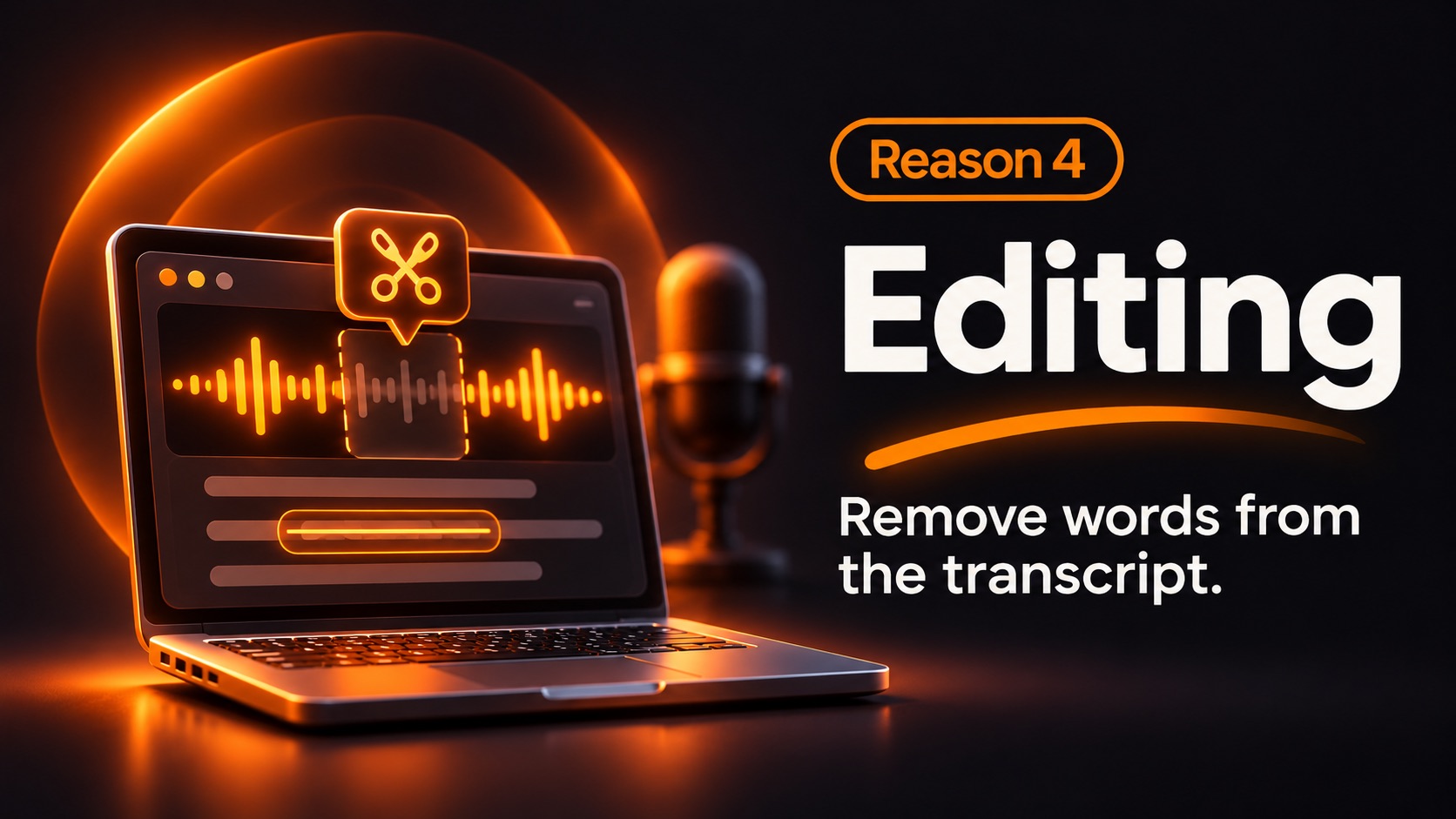
A transcript-first editor lets you read what you said and remove passages in a familiar text-like view. It's closer to editing a rough article than learning a full production suite.
In NeoPodcast on iPhone, you select words in the transcript and cut that part of the episode. The original recording stays untouched. There's very little to learn.
Your first editing pass: three questions
Listen to your recording, or read the transcript, and ask yourself:
- Is the beginning clear? A listener should know quickly what this episode is about.
- Does this part move the story forward? Cut repeated explanations and lengthy detours.
- Does the ending give something useful? Leave the listener with an idea, answer, or next step.
You do not need to eliminate every breath, pause, or "um." A little humanity often makes a voice-first show feel more natural.
Don't chase perfect audio on day one
Aim first for understandable, consistent speech. Basic level adjustment and mild noise reduction may help. Aggressive cleanup can sound artificial, so check the result with headphones before publishing.
If you later need detailed mixing, music ducking, multitrack interviews, or advanced effects, a dedicated editor may make sense. But that isn't the starting line for every creator.
What if I want to put it on YouTube?
A clean voice recording can also form the basis of a voice-first YouTube video. Use a suitable image, a simple animated visual, or slides where they add value. You don't have to master sophisticated video editing to test whether your ideas connect with an audience.
Finish the episode you already recorded
Open your draft, remove the biggest distractions, and publish when it's clear and useful. NeoPodcast also drafts a transcript, show notes and chapters you can edit, which leaves you with a short list of decisions.
The editing skill worth developing first is knowing what to leave in.
Record, edit and publish your podcast from your phone with NeoPodcast. The first three published episodes are free.