How to Start a Podcast When You Have No Time

You get an idea for an episode on your commute. By the time you get home, there's dinner, messages, laundry, and about twelve other things demanding your attention. The idea disappears into your notes app.
If that sounds familiar, the problem may not be that you don't have time for a podcast. It may be that you're imagining a much bigger production than your first episode needs to be.
An episode doesn't need to be an hour long
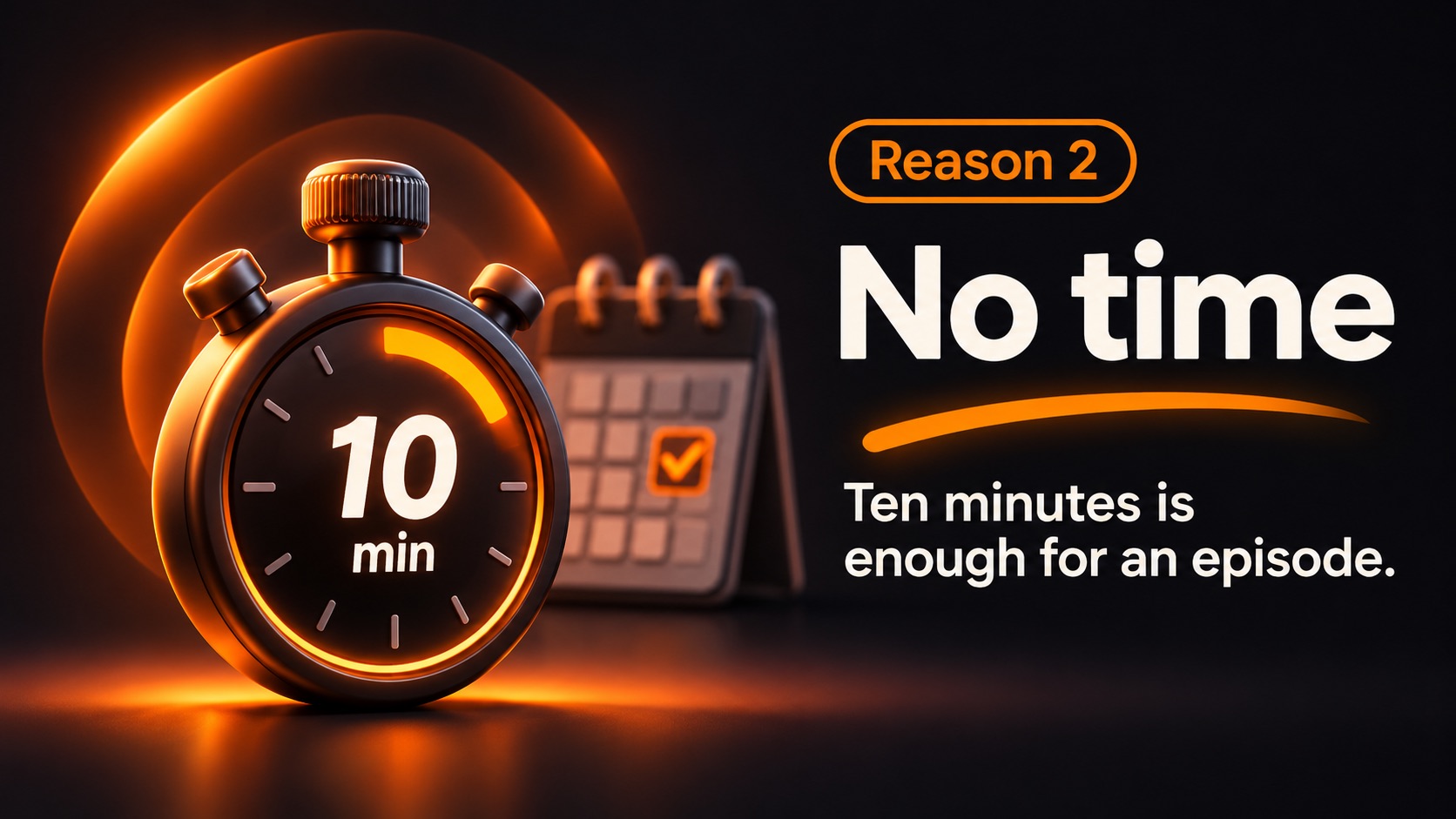
A focused five- or ten-minute episode can answer a real question, share a lesson, or tell a small story. Short episodes suit topics people want to learn on the move, and length is no substitute for substance.
You also don't need an elaborate schedule on day one. Weekly can work, but so can every two weeks or whenever you can make something worthwhile. Pick a rhythm you can maintain without resenting it.
A smaller creation routine
Try this for your first episode:
- Two minutes: write down one question and three points.
- Ten minutes: record your answer in your own voice.
- A few minutes: review the transcript and remove what you don't want to keep.
- A few minutes: add a title, check the notes, and publish.
The actual time varies by episode and how much polishing you want to do. The point is to stop treating every recording like a documentary film.
What about a YouTube channel?
Voice-first content can also be adapted for YouTube using artwork or a simple video. That's a separate step, but it doesn't necessarily mean scheduling a shoot. If YouTube becomes important, build a repeatable visual template rather than reinventing it every week.
Don't let admin swallow your creative time
The less enjoyable work is often the invisible work: transcription, title ideas, show notes, chapters, exporting files, and setting up distribution. NeoPodcast covers several of these: transcription on the iPhone, editable notes, and publishing from the same app.
The first three published episodes are free, so you can test a format before committing to a season.
If you have ten minutes to tell someone something useful, you have the beginning of an episode. Start there, and let your workflow grow only when your show needs it.
Record, edit and publish your podcast from your phone with NeoPodcast. The first three published episodes are free.