Hate the Sound of Your Own Voice? Start Your Podcast Anyway

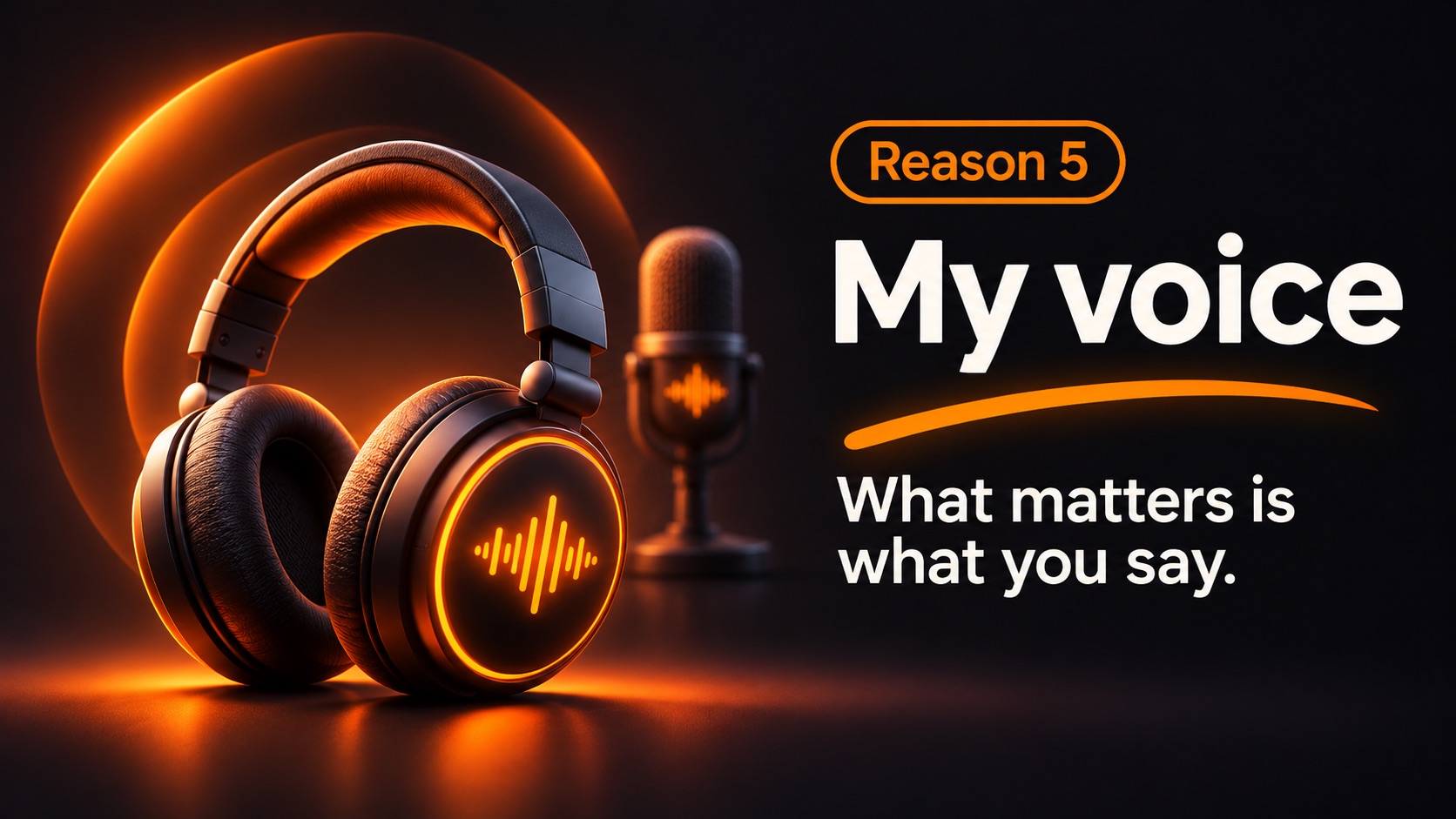
You record a thoughtful explanation. You press play. And within three seconds you think: Do I really sound like that?
Most people know that moment. Hearing yourself in a recording can feel surprisingly different from speaking in a room. It doesn't mean your voice is unsuitable for a podcast.
Why recordings can sound strange
When you speak, you hear your voice through the air and vibrations conducted through your head. A recording mostly captures the airborne sound. The result can seem thinner or higher than the voice you're used to hearing internally.
That unfamiliarity can be uncomfortable. But your listeners don't have your internal version of your voice to compare it with. They're hearing the voice you actually share with other people.
You don't need a radio announcer voice
Some of the most useful shows feel like a knowledgeable friend talking. You don't need a deep bass voice, a theatrical delivery, or nonstop enthusiasm. Clear, honest communication is enough to start experimenting.
Try this exercise: record a short answer to a question you genuinely care about. Listen once for clarity rather than attractiveness. Did you explain the point? Was it easy to follow? Did your energy match the subject? These are questions you can act on.
Three small habits that help
- Talk to one person. Imagine a friend asking you the question.
- Slow down slightly. Give your ideas room to land, but don't force a performance.
- Record several times. Familiarity may make listening to yourself feel less unusual.
A quiet room and consistent recording distance also help. Good audio doesn't disguise your voice. It makes your real voice easy to hear.
YouTube doesn't require a face or a synthetic narrator
If your content works well as audio, you can pair your own narration with visuals. You don't need to put yourself on camera, and you don't need to replace yourself with an AI-generated voice. Your personal perspective is part of the reason to make the show.
Let the subject take center stage
NeoPodcast records your voice, transcribes it, lets you edit by transcript and publishes the episode. It also has optional noise reduction and loudness leveling, which clean up the recording without changing how you sound.
Your first episode doesn't have to be your best performance. It just has to communicate something worth sharing.
Record, edit and publish your podcast from your phone with NeoPodcast. The first three published episodes are free.