Start a Podcast or YouTube Channel Without Showing Your Face

The camera is on. The little red light is glowing. Suddenly, the thought of sharing your ideas with the world feels much less appealing.
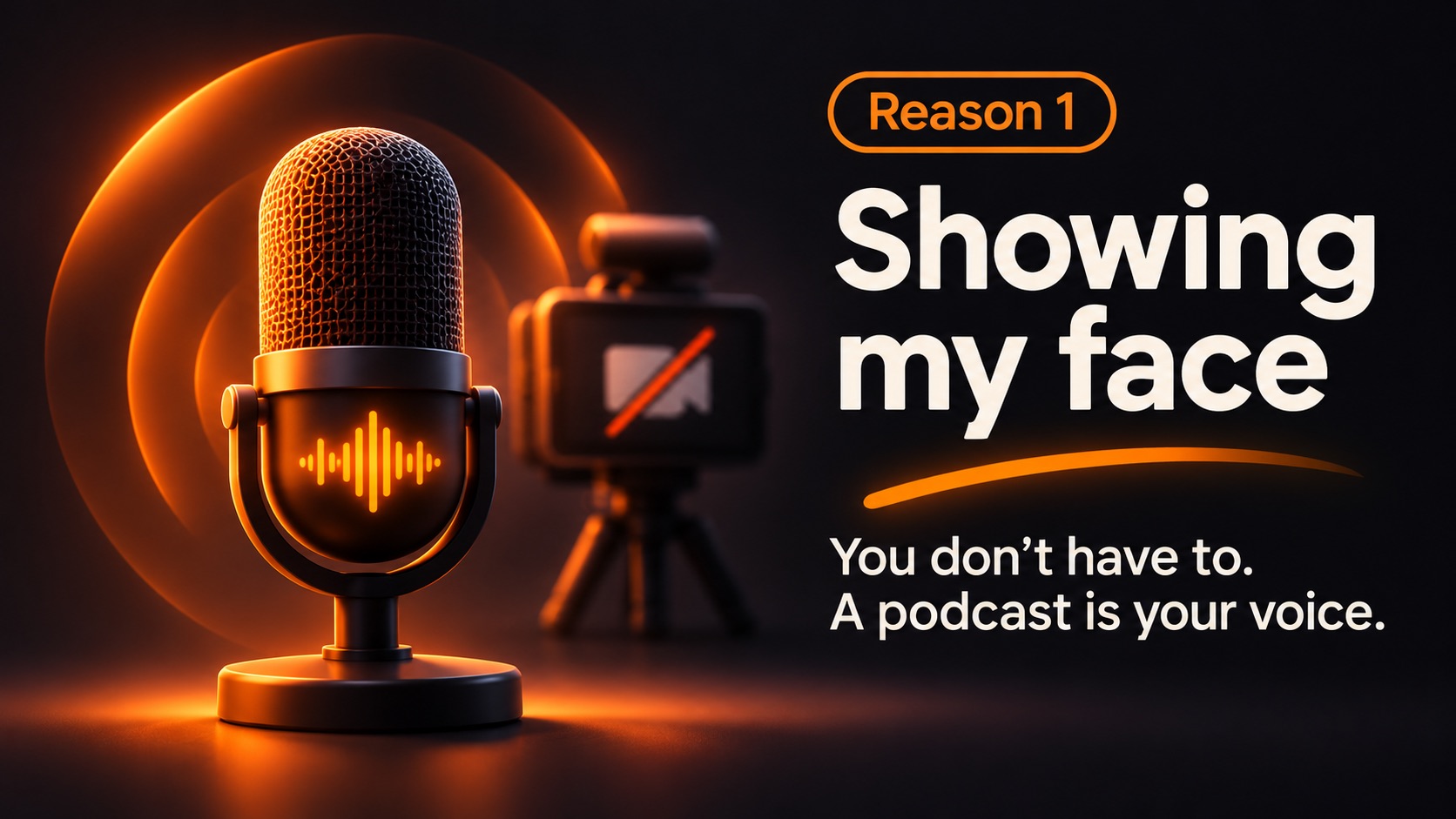
If you've imagined starting a YouTube channel or podcast but hate the idea of putting your face online, here's something worth hearing: being visible isn't the same as being worth listening to.
You can create without becoming the face of your content
Think about what you actually enjoy: explaining something, telling stories, interviewing people, sharing ideas. None of those things inherently requires a camera pointed at you. Audio-first formats give you room to be thoughtful without worrying about the angle, lighting, background, or what you're wearing.
A podcast is the obvious place to start. But YouTube can also be part of an audio-first strategy: creators publish episodes with static cover art, waveform animations, slides, or other suitable visuals. You still need visuals that comply with YouTube's upload requirements, but they don't have to feature your face.
What would your first episode look like?
Keep it simple:
- Pick one question you know how to answer.
- Record yourself explaining it, as if you were speaking to one person.
- Give the episode a clear title and cover image.
- Publish the audio as a podcast; prepare a visual version if you also want it on YouTube.
Try: "Three things I wish I'd known before my first freelance project." Or "Why our town needs more trees." A helpful ten-minute conversation can be more valuable than a highly produced video that never gets finished.
But isn't video what people want?
Sometimes, yes. A demonstration of a physical technique might genuinely work better on camera. But for interviews, commentary, lessons, personal stories, or analysis, the voice can carry the experience. You can always experiment with video later. You don't need to solve your entire content strategy before publishing episode one.
Make the first step small with NeoPodcast
NeoPodcast is built for recording your own voice. You can record or import audio, edit with a transcript, write episode notes, and publish a podcast with an RSS feed and an episode page.
Don't make "someday, when I'm comfortable on camera" your launch date. Start with something useful to say.
Record, edit and publish your podcast from your phone with NeoPodcast. The first three published episodes are free.